
No Photoshop? No Problem: How to Easily Design a Professional Wedding Album Online

Wedding photographs are not meant to be kept hidden inside folders and cloud storage. These special photos effectively capture the emotional moments, celebrations, candid moments, and memories. They need a professional wedding album.
Your wedding day passes in the blink of an eye, but the memories deserve to be relived for a lifetime. While digital galleries and cloud storage provide a convenient place to save your photos, they can never replace the feeling of holding your wedding album in your hands. A professionally designed wedding album transforms your favorite moments into a tangible keepsake that you can pull from the shelf at a moment’s notice, share with family and friends, and revisit on anniversaries for years to come. Just as your marriage is something real and lasting, your wedding memories deserve a home that is just as meaningful. The good news? You don’t need Photoshop or professional design experience to create a stunning wedding album online that beautifully tells your love story just the way you want it.
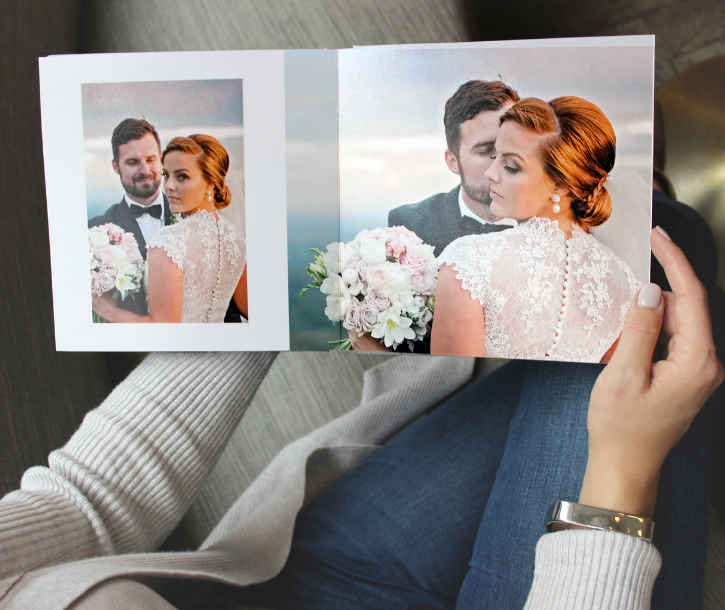
In the past, creating a professional wedding album required advanced design software such as Photoshop. But today, it’s much easier as couples can easily create wedding albums online without any technical experience.
Don’t worry about how you can achieve it without any Photoshop skills. Modern online album design platforms have made it incredibly simple, fast, and affordable.
Whether you are a newly married couple, a wedding photographer, or someone creating an anniversary gift, this guide will help you understand how to design a professional-quality wedding album online with ease.
Why Traditional Wedding Album Design Was Difficult
Once professional wedding album design depended on software such as Adobe Photoshop or InDesign. These are powerful tools but they have some downsides such as:
- Steep learning curve
- Hefty price to use the software
- Editing is time-consuming
- It has a complicated layer management
- Professional design experience was required
Most couples simply do not have the time or technical skills to master professional editing software after wedding planning. As a result, many either postpone album creation for years or spend large amounts having your photographer design the album or hiring professional wedding album designers.
Thankfully, online wedding album makers have changed everything.
The Rise of Online Wedding Album Design Platforms
Modern web-based album design tools today enable anyone to create premium professional wedding albums from a browser.
You don’t need software installation or graphic design expertise to achieve it. Platforms like My Bridal Pix simplify the entire process with intuitive drag-and-drop features, smart templates, and professional layouts designed specifically for wedding photography.
These tools are designed for real users — not professional graphic designers.
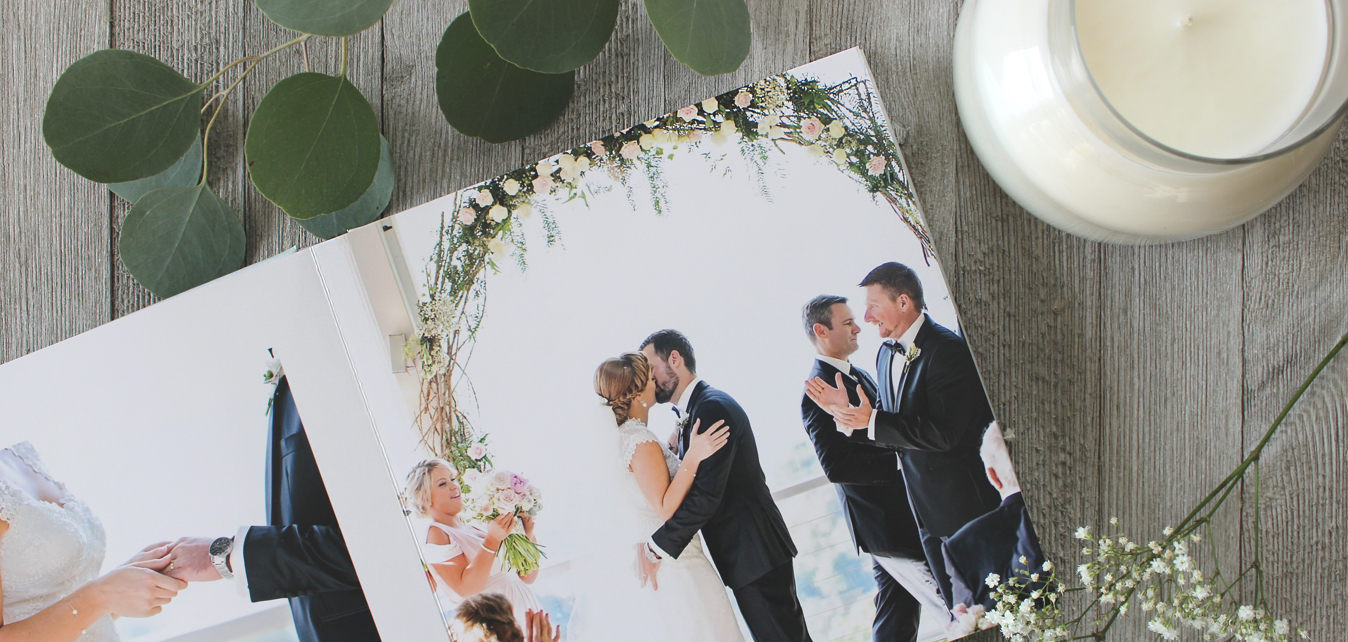
Benefits of Designing a Wedding Album Online
1. No Design Experience Needed
One of the biggest advantages of online album makers is ease of use. These platforms provide templates where photos are automatically arranged in elegant layouts.
You simply:
- Upload your wedding images
- Choose a theme or layout
- Drag photos into place
- Customize text or backgrounds
- Preview your album instantly
The platform handles alignment, spacing, and professional presentation automatically. Most importantly, you design your album as you find the time, and it will be exactly the way you want your story to be told.
2. Save Time and Effort
Creating a wedding album manually in Photoshop takes days if not weeks. Online album builders reduce the process significantly.
Many couples complete their entire album in just a few hours.
Automated tools help with:
- Image positioning
- Page balancing
- Consistent styling
- Photo cropping
- Layout optimization
This allows you to focus more on storytelling and memory preservation instead of technical editing.
3. Professional Quality Results
Modern online album platforms are built specifically for high-quality printing and professional presentation at a fraction of the cost of what you would typically pay to have someone create it for you. So it is a great way to cut costs post-wedding.
Features often include:
- HD print-ready exports
- Elegant wedding themes
- Premium typography
- High-resolution layouts
- Luxury cover designs
- Seamless page transitions
The final album can look just as polished as one created by a professional designer. You can also preview your album, and you can request a designer from My Bridal Pix to review your layout for free before you purchase.

How to Easily Design a Professional Wedding Album Layout
Here’s a step-by-step process to create your wedding album online without Photoshop skills.
Step 1: Organize Your Wedding Photos
Before starting the design process, sort your photos into categories. This makes album creation smoother and more organized.
Common wedding album sections include:
- Pre-wedding shoots
- Getting ready moments
- Ceremony
- Couple portraits
- Family photos
- Reception highlights
- Dance floor moments
- Emotional candid shots
Create separate folders so you can quickly locate images during the design process. You can also just upload photos a section at a time so that you have fewer images to work with for each section of your book layout.
Step 2: Choose the Right Album Style
Every wedding has a unique personality. Your album should reflect your celebration style.
Popular wedding album themes include:
- Minimalist elegance
- Traditional romance
- Modern editorial
- Luxury fine art
- Rustic outdoor wedding
- Destination wedding themes
- Cultural wedding layouts
Online platforms provide customizable templates and clip art that match different aesthetics. You can also create files in Canva and upload them as a PNG or JPG file if you don’t find what you are looking for.
Step 3: Select a Professional Layout Template
This is where online album creators truly shine. Instead of designing each page from scratch, you should choose professionally designed templates and align the photo perfectly. A good template will have balanced spacing, story-driven flow, and cleaner typography. Templates help maintain a polished look across every page.
Step 4: Upload and Arrange Photos
Today, many of these platforms provide simple drag-and-drop functionality. Here are a few tips to arrange your photos.
- Start with strong opening images with an introduction to the couple
- Mix wide shots with close-ups
- Avoid overcrowding pages
- Use full-page spreads selectively
- Maintain visual balance
- Group related moments together
- Finish the album with a favorite image of the bride and groom.
A well-designed wedding album should feel like a visual story rather than a random photo collection.
Step 5: Customize Colors and Text
Customize it to make your album feel unique. You should add the following: wedding dates, couple names, quotes, vows, captions, etc.
Choose fonts and colors that complement your wedding theme without overwhelming the photography. For a timeless wedding album design, white backgrounds with simple layouts usually work best.
Step 6: Preview Before Printing
Review your album carefully before finalizing.
Check for:
- Cropped faces
- Low-resolution images
- Spelling errors
- Page consistency
- Alignment issues
- Blank spaces
Most online platforms offer real-time previews to help avoid printing mistakes. Reach out to the design team at My Bridal Pix and we will review your album layout for you for free prior to your purchase. This way you can rest easy knowing your album will print perfectly.
Features to Look for in an Online Wedding Album Maker
Not all platforms are created equal. When choosing an online wedding album design tool, look for these important features.
- User-Friendly Interface: A clean and intuitive interface helps beginners design confidently without frustration.
- Excellent customer service: You want to use a platform that prints professionally printed books and has a design team you can speak with as needed.
- Customizable Templates: Templates should allow flexibility while still maintaining professional design quality.
- High-Quality Workmanship: Find a company that offers archival paper and inks and produces high-quality cover options.
- High-Resolution Printing Support: Your wedding album deserves crystal-clear print quality. The software should alert you if your images are low resolution to ensure the platform supports HD exports and premium print quality.
- Mobile and Desktop Compatibility: Being able to edit your album from multiple devices adds convenience and flexibility.
- Cloud Storage and Saving: Auto-save and cloud storage protect your progress and prevent accidental data loss.
Common Mistakes to Avoid When Designing a Wedding Album
Even with easy online tools, there are some mistakes couples should avoid.
- Using Too Many Photos: More photos do not always create a better album. Curate your best emotional and storytelling images.
- Ignoring Story Flow: Albums should feel chronological and emotionally connected.
- Overcrowded Layouts: White space and clean design improve elegance and readability.
- Mixing Too Many Editing Styles: Consistency helps create a premium, cohesive appearance.
- Choosing Low-Resolution Images: Blurry prints can ruin album quality. Always upload original high-quality photos.
Why Wedding Albums Still Matter in the Digital Age
Although most of your photos live on phones and hard drives, Digital galleries get forgotten over time. Therefore, printed wedding albums create:
- Tangible emotional memories
- Family heirlooms
- Shared viewing experiences
- Long-term preservation
- Meaningful gifts for future generations
There’s something deeply personal about turning physical pages and reliving your wedding story together.
How Online Wedding Album Platforms Help Photographers Too
Wedding photographers benefit significantly from online album creators because of the following advantages:
- Faster album delivery
- Reduced editing workload
- Better client collaboration
- Template-based efficiency
- Scalable workflow management
Instead of spending hours designing layouts manually, photographers can focus more on shooting and client relationships.
Why My Bridal Pix Is a Great Choice for Wedding Album Design
My Bridal Pix offers a simple yet professional solution for couples and photographers looking to create elegant wedding albums online.
The platform focuses on:
- Easy drag-and-drop album design
- Professional wedding templates
- Beginner-friendly workflow
- Beautiful layout customization
- Print-ready quality
- Design team on hand to help if needed
Even users with zero design experience can create albums that look professionally crafted.
Creating a beautiful wedding album no longer requires Photoshop expertise or expensive graphic design services. Modern online tools have made professional album design accessible to everyone.
With the right platform, thoughtful photo selection, and elegant templates, you can transform your wedding memories into a timeless keepsake without stress or technical complexity.
If you’re looking for an easy way to design a professional wedding album layout without Photoshop skills, online platforms like My Bridal Pix provide everything you need to create a stunning album from the comfort of your home.
Your wedding memories deserve more than a digital folder. Turn them into a story you can hold forever.
FAQs
1. How many pages should a professional wedding album ideally have?
Most professional wedding albums contain between 20 and 40 spreads, depending on the number of events and photos you want to include. A balanced album focuses on storytelling rather than adding every single image from the wedding.
2. Can I collaborate with my partner or photographer while designing the album online?
Yes, many online wedding album platforms allow collaborative editing or sharing options. This makes it easier for couples and photographers to review layouts, suggest changes, and finalize the album together.
3. What file format is best for uploading wedding photos to an online album maker?
High-resolution JPEG files are usually the best option because they maintain image quality while being compatible with most online album design platforms. Avoid compressed or screenshot images for printing purposes.
4. How long does it take to receive a printed wedding album after ordering?
Delivery timelines vary by provider, but most professionally printed wedding albums are delivered within 1 to 3 weeks after final approval. Premium customizations or international shipping may require additional time.
5. Can online wedding album makers create parent albums or duplicate copies?
Yes, many platforms offer duplicate album options or smaller parent albums using the same design layout. These copies are popular gifts for parents, grandparents, and close family members.


This Post Has 0 Comments